Zen Tab
A fast, distraction-free new tab page with clock, search, bookmarks, todos, weather, notes, and focus mode — no account required.
A fast, distraction-free new tab page with clock, search, bookmarks, todos, weather, notes, and focus mode — no account required.
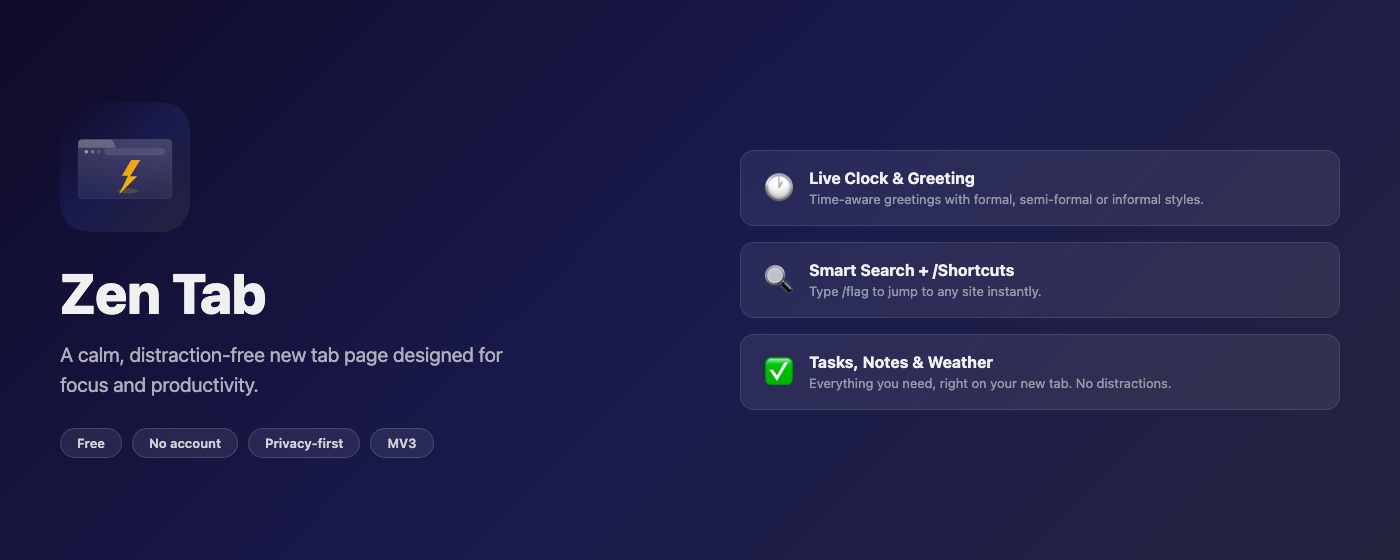
A complete workspace on every new tab — all data stays in your browser, no sign-in ever required.
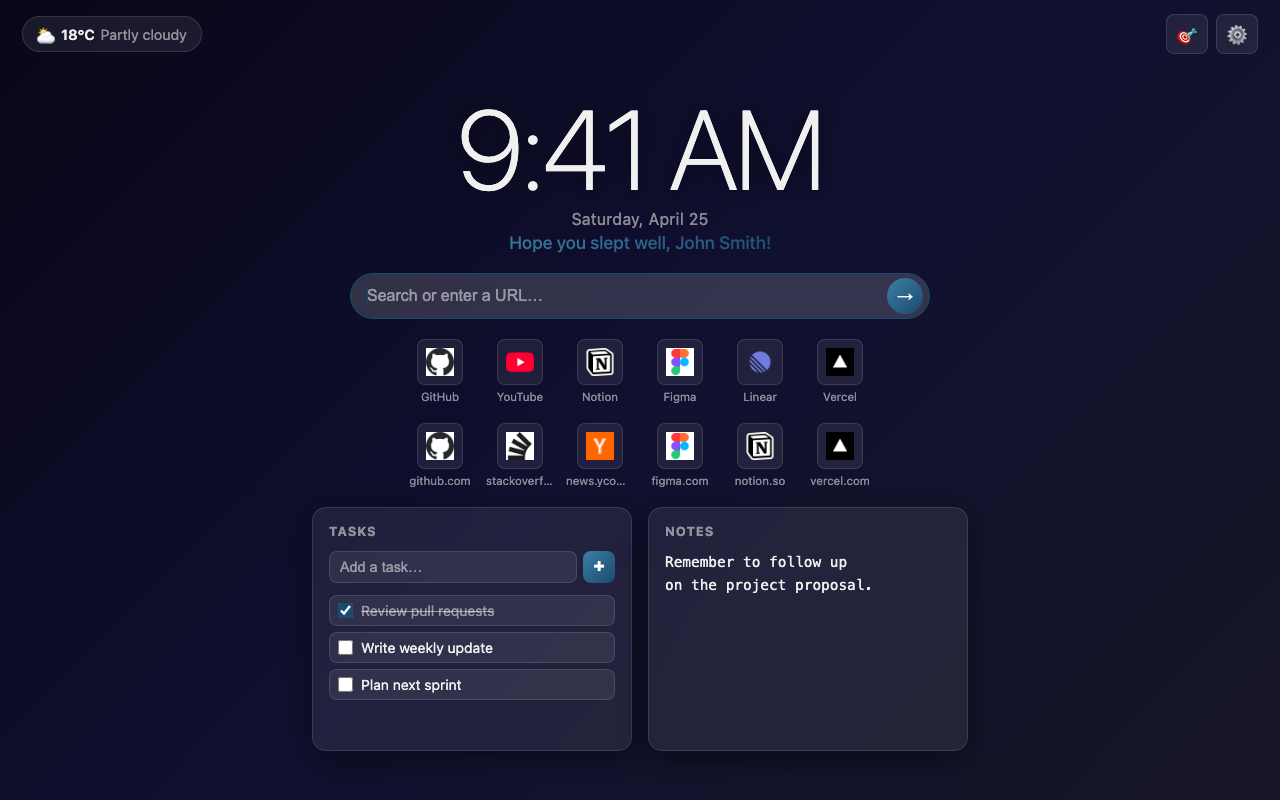
See the current time at a glance in 12 h or 24 h format. A personalised greeting adapts to the time of day and can be set to Formal, Semi-formal, or Informal.
Type a term or paste a URL to search the web, or define custom /flag shortcuts to jump to any site. Supports a {q} placeholder for passing queries through.
Pin up to 6 frequently visited sites as icon tiles for one-click access. Each tile shows the site’s favicon. A permanent Add button keeps the 7th slot ready for new pins.
Your recent browsing history is surfaced below your favourites with deduplication and filtering, so you can jump back without hunting through tabs or history.
Add, check off, and delete tasks directly on your new tab. Tasks persist across sessions in local storage — no cloud sync required.
A freeform scratchpad always visible on your new tab — ideal for quick thoughts, URLs to revisit, or reminders you’d otherwise forget.
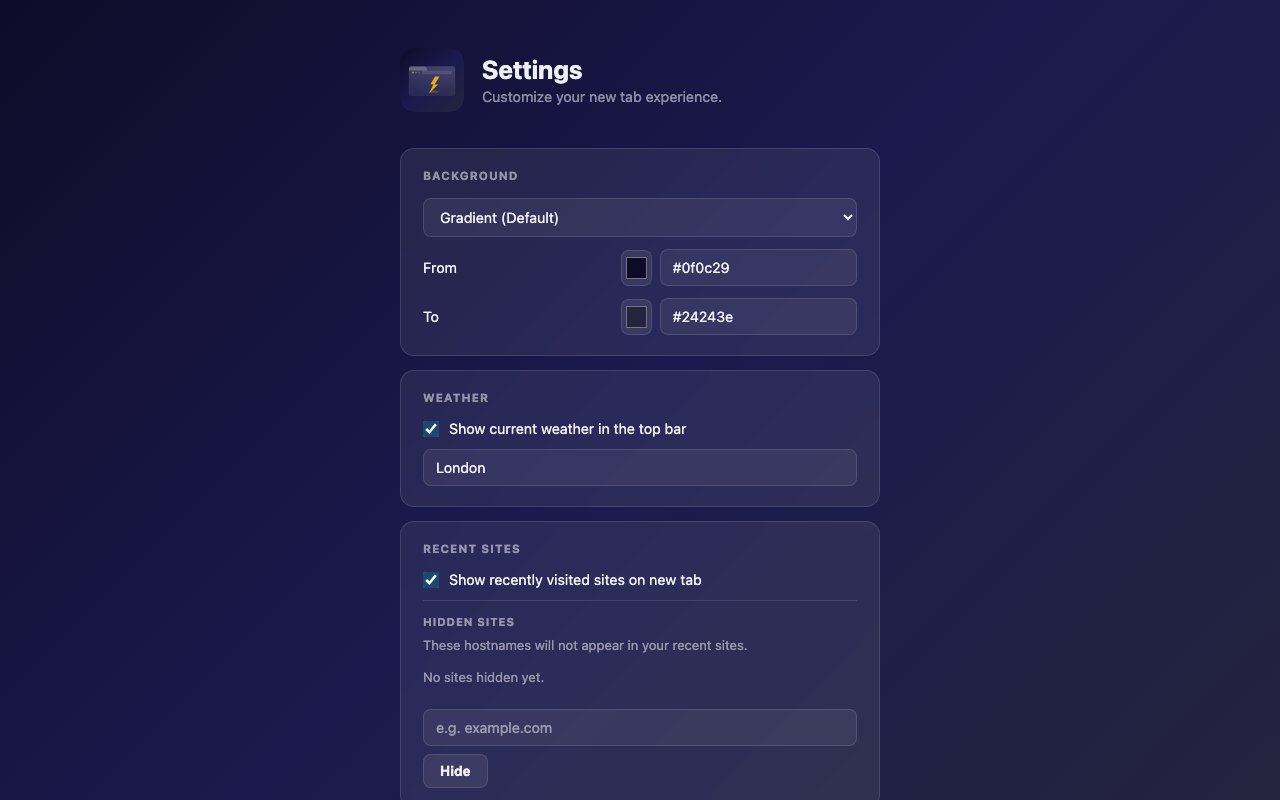
Current temperature and conditions for your city, powered by Open-Meteo — fully open-source and privacy-friendly. No API key needed, refreshed on a schedule.
Hides non-essential widgets and shows only your tasks and a minimal clock. Designed for deep work sessions where every distraction costs you.
Export all settings, shortcuts, tasks, and notes to a single JSON file. Import any previous backup instantly — no account, no cloud, no data left behind.
Works alongside the companion Site Blocker extension to hide unwanted domains from your Recent Sites feed. Toggle it without leaving the new tab.
Whether you’re working, studying, or just want a calmer web, Zen Tab is the starting point.
Keep tasks, notes, and favourite tools one new tab away without friction.
Surface to-dos and recent research instantly — stay on top of your workload.
Custom /flag shortcuts make jumping to docs, repos, and dashboards instant.
A clean, clutter-free tab with only what matters. Focus Mode takes it even further.
100% local. Nothing leaves your browser.
All data is stored locally in your browser using the extension storage API. No servers, no cloud, no accounts.
Zero analytics, zero cookies, zero data collection. We don’t know who you are.
Only weather fetches your city name via Open-Meteo and Nominatim. No personal identifiers are ever sent.
Every line of code is on GitHub. Audit it yourself — we have nothing to hide.
Get it from the Edge Add-ons store.
Zen Tab replaces your new tab page automatically. Open any new tab and you’ll see it straight away.
Click the gear icon to set your name, clock format, weather city, search shortcuts, and preferred greeting style.
Pin your favourite sites, jot down tasks and notes, and let the weather and clock keep you oriented throughout the day.