QR Code Reader
A fast, private, and free QR code scanner available as a web app and a browser extension. Scan QR codes with your camera or by uploading an image — no data ever leaves your browser.
A fast, private, and free QR code scanner available as a web app and a browser extension. Scan QR codes with your camera or by uploading an image — no data ever leaves your browser.
Everything you need to scan QR codes — nothing you don't.
Point your webcam at any QR code for instant decoding. Works with laptop webcams, external cameras, or any connected video device.
Upload a screenshot, photo, or any image containing a QR code and get the decoded result immediately. No camera required.
All processing happens locally in your browser using the open-source html5-qrcode library. No data is ever collected or transmitted.
Opens instantly with a clean, distraction-free interface. No bloated dependencies or background processes — runs only when you use it.
A polished, responsive design with smooth gradients, clear typography, and a focused scanner layout that works on any screen size.
No premium tiers, no ads, no in-app purchases. QR Code Reader is free and open source under the MIT License.
100% local processing. Nothing leaves your browser.
All QR code decoding happens locally on your device. Images and scan results never leave your browser.
Zero analytics, zero cookies, zero data collection. We don't know who you are.
The html5-qrcode library is bundled locally. No CDNs, no remote code, no network requests.
Every line of code is on GitHub. Audit it yourself — we have nothing to hide.
Get it from the Edge Add-ons store or the web app.
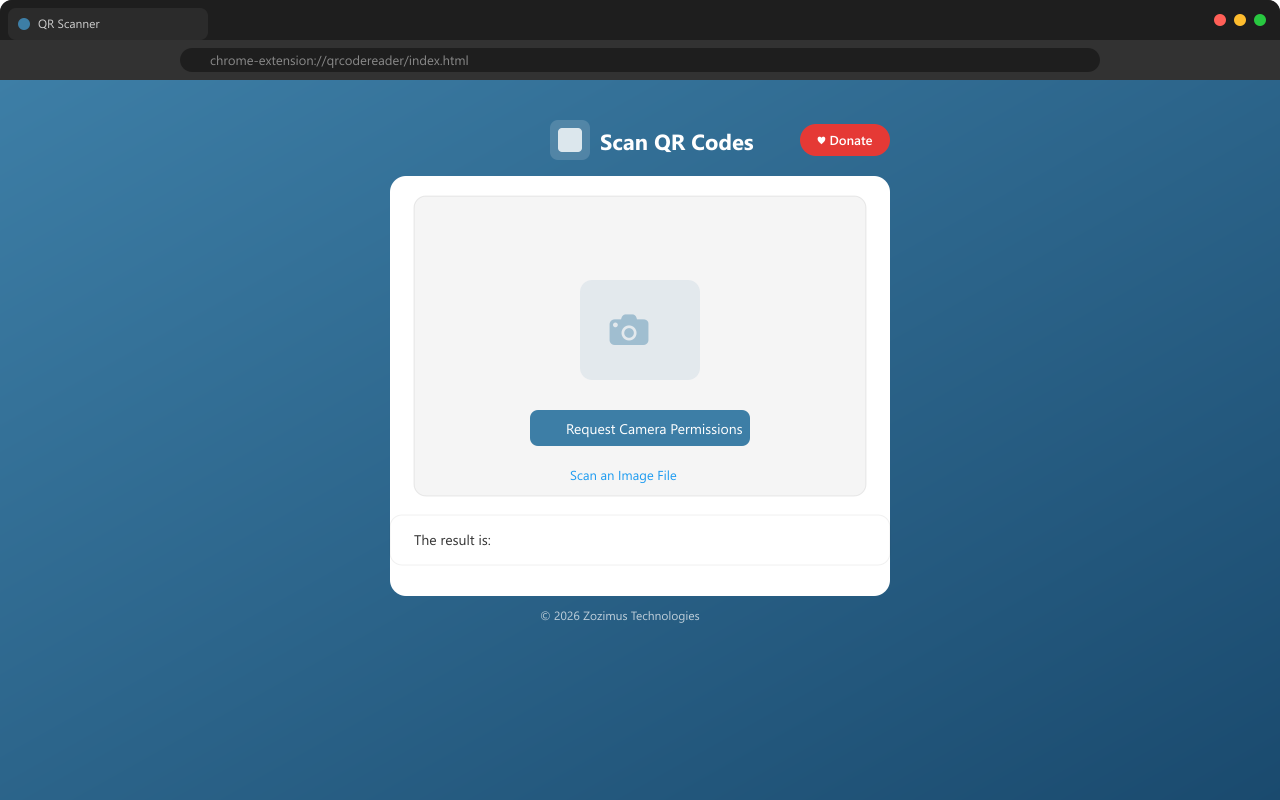
Click the QR Code Reader icon in your toolbar. A new tab opens with the scanner interface.
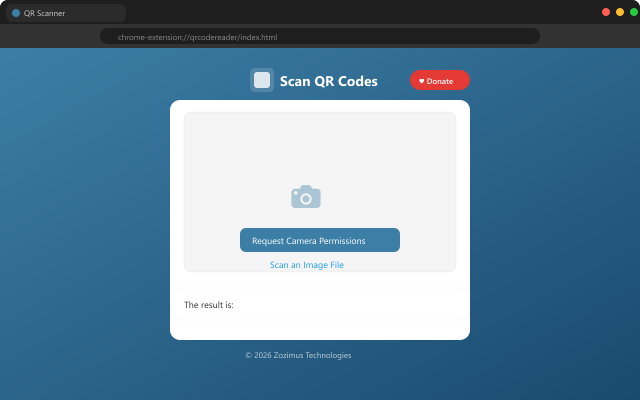
Choose Camera Scan to use your webcam, or Scan an Image File to upload a picture.
The decoded text appears instantly below the scanner. Copy it, click a link, or scan another code.