Site Blocker
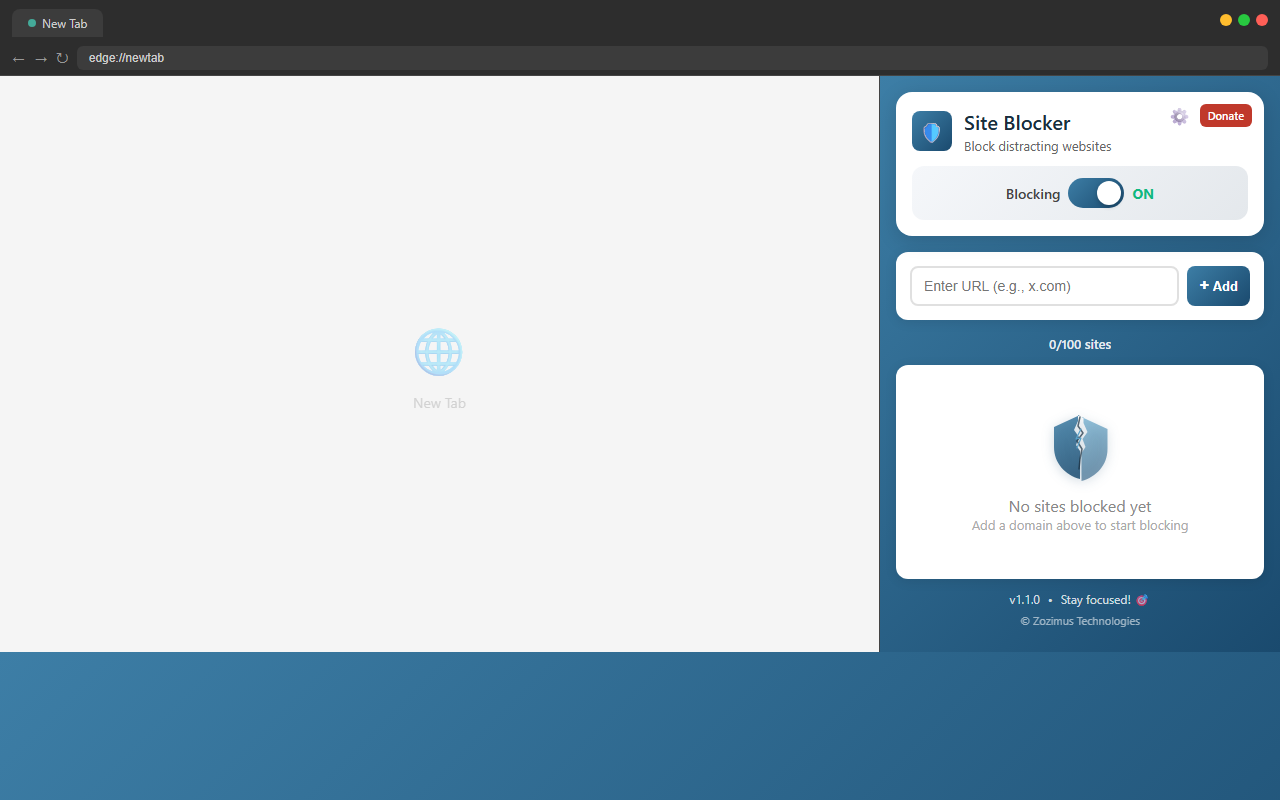
Block distracting websites and boost your productivity. Manage up to 100 sites with toggle controls and child safety protection — right inside your browser.
Block distracting websites and boost your productivity. Manage up to 100 sites with toggle controls and child safety protection — right inside your browser.

Simple, reliable website blocking that works instantly — no fuss, no complexity.
Add any domain and it’s blocked immediately. Your blocklist is saved locally and persists across browser sessions.
Temporarily pause blocking for any site without removing it from your list. One toggle per domain gives you full control.
Turn all blocking on or off with a single click. Your blocklist is always preserved — just flip the switch.
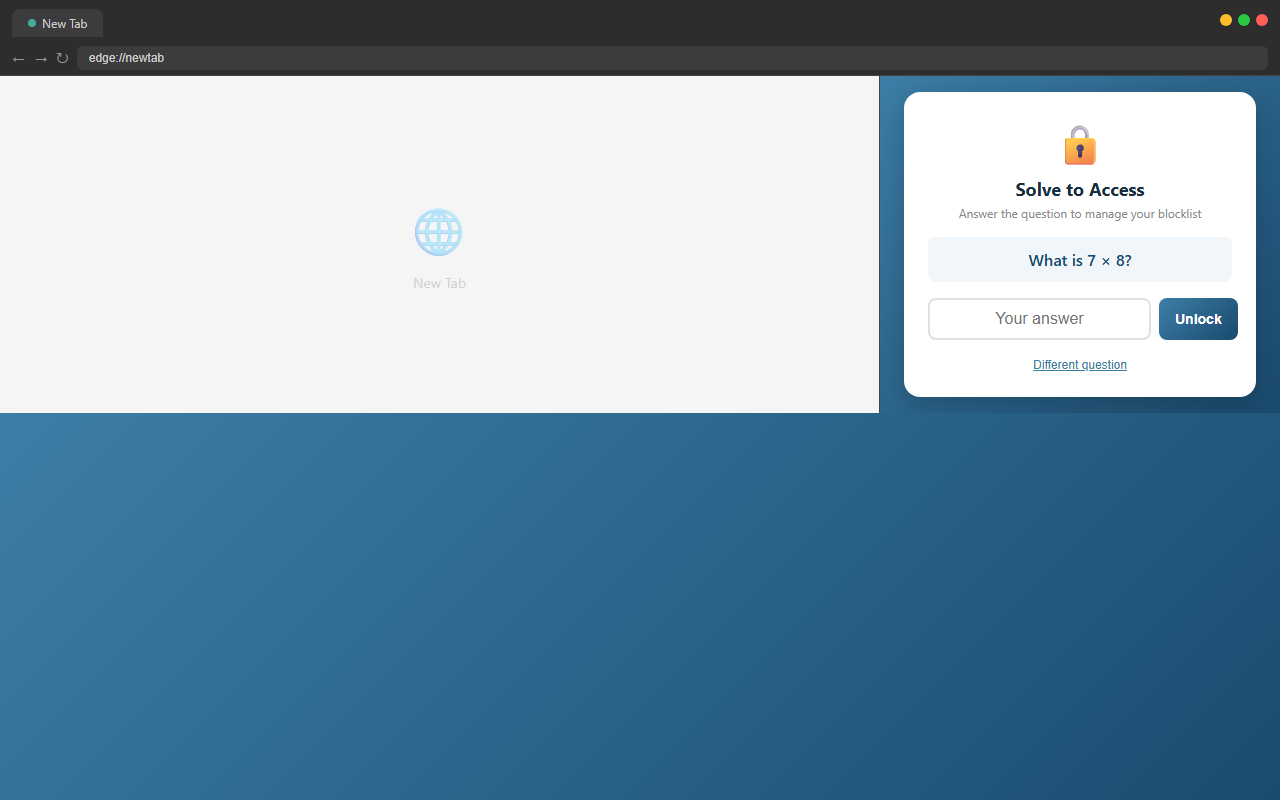
An optional math question gate prevents children from modifying the blocklist. Parents solve it easily; kids can’t get through.
Blocking facebook.com automatically blocks m.facebook.com, www.facebook.com, and all other subdomains.
A modern, clean interface that opens in the browser sidebar. No disruptive popups — manage your blocks without leaving your tab.
Whether you’re blocking distractions for yourself or protecting your family, Site Blocker has you covered.
Block inappropriate or distracting sites. The math challenge keeps kids from undoing your settings.
Stay focused during study sessions by blocking social media and entertainment.
Eliminate browsing distractions during work hours and boost productivity.
Build better digital habits by putting guardrails on your browsing.
100% local processing. Nothing leaves your browser.
All data stays in your browser. No servers, no cloud, no accounts.
Zero analytics, zero cookies, zero data collection. We don’t know who you are.
Everything runs inside the extension. No CDNs, no remote code, no dependencies.
Every line of code is on GitHub. Audit it yourself — we have nothing to hide.
Get it from the Edge Add-ons store.
Click the Site Blocker icon in your toolbar. The blocker opens in the browser sidebar.
Type a domain (e.g., reddit.com, x.com) and click + Add. It’s blocked instantly.
Use toggles to pause/resume blocking. Enable the math challenge to keep kids safe. Focus on what matters.