PiP Camera
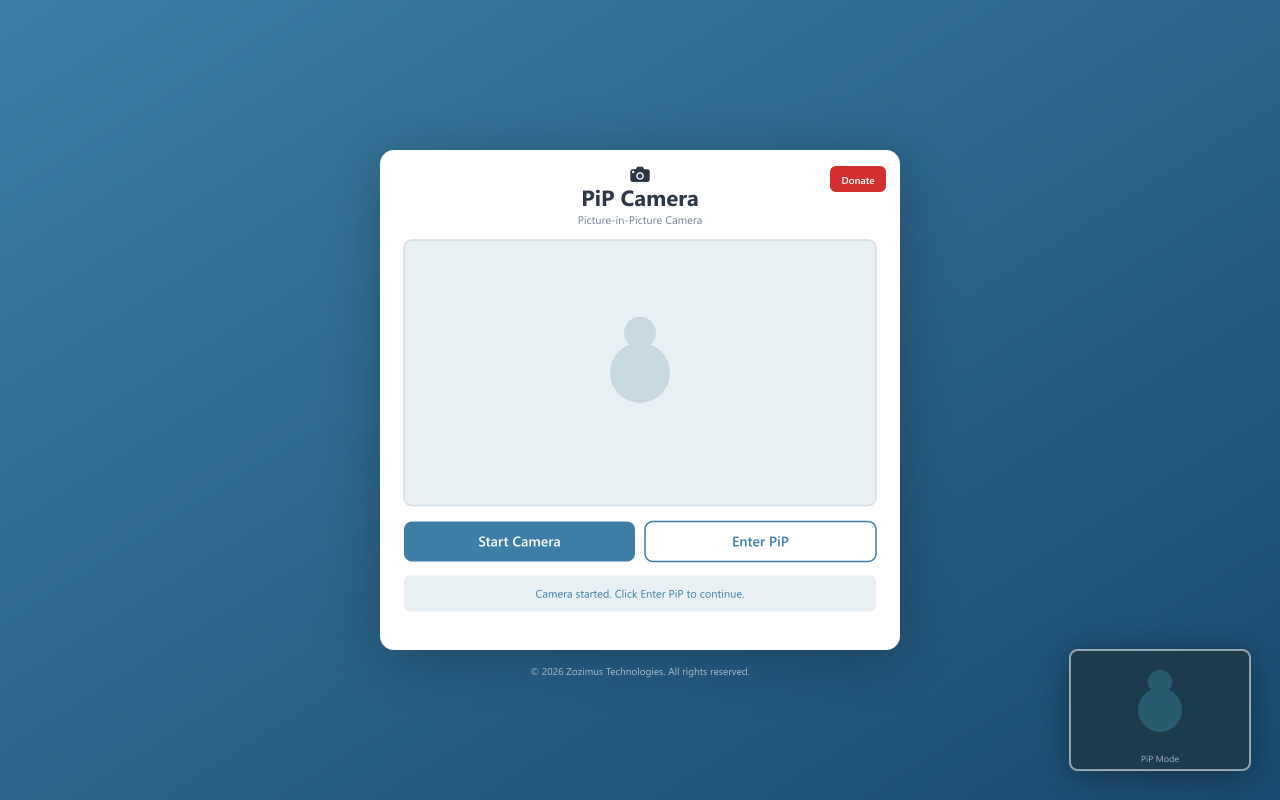
A tiny, always-on-top camera feed that floats in the corner of your screen — like a rear-view mirror for your desk. Never get surprised by your manager again.
A tiny, always-on-top camera feed that floats in the corner of your screen — like a rear-view mirror for your desk. Never get surprised by your manager again.
Simple, private, and completely out of your way.
Click the icon, camera starts. No setup, no config, no friction. You're live in one second.
The floating PiP window stays visible across all tabs and windows. You'll never miss someone sneaking up.
Nothing leaves your device. No cloud, no servers, no tracking, no analytics. Your feed lives and dies in the browser.
Barely uses any CPU or memory. Zero background processes when the camera is off.
A calm, earthy interface that looks good and stays out of your way. No clutter.
Start, stop, enter PiP, or exit PiP with big, obvious buttons. No confusion, no guesswork.
If you've ever been startled at your desk, this is for you.
See your manager coming before they see your screen.
Know when your roommate, kid, or cat is about to photobomb your call.
You lose track of everything when you code. This keeps you aware without breaking flow.
Quick self-view without cluttering your setup.
100% local. Nothing leaves your browser.
Your camera feed is processed entirely on your device. Nothing is sent anywhere.
Zero analytics, zero cookies, zero data collection. We don't know who you are.
Everything runs inside the extension. No CDNs, no remote code, no dependencies.
Every line of code is on GitHub. Audit it yourself — we have nothing to hide.
Get it from the Edge Add-ons store.
Pin PiP Camera to your Edge toolbar for quick, one-click access.
The camera page opens and your webcam starts automatically.
A floating window pops out. Drag it anywhere, resize it, tuck it in a corner.