Collections
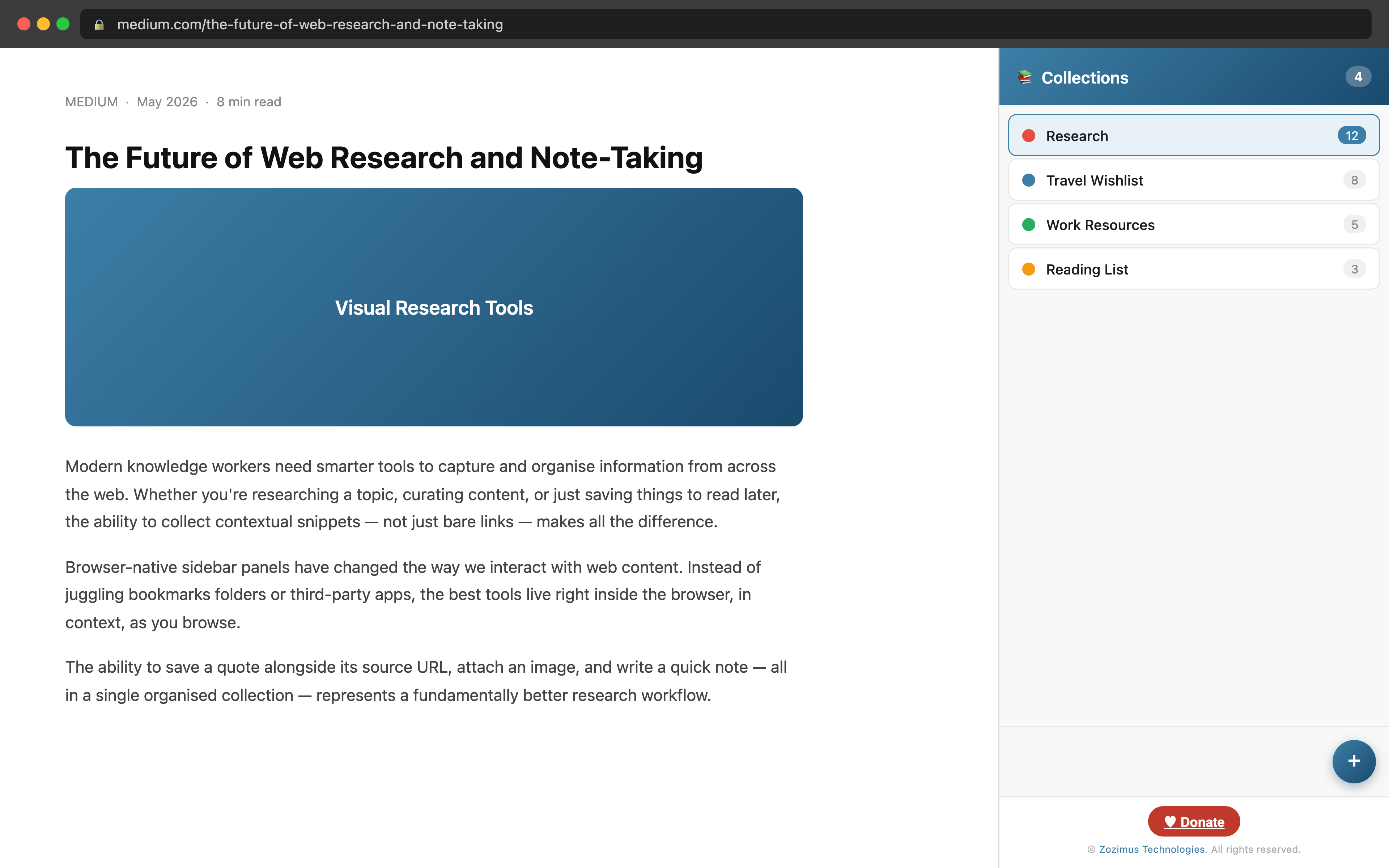
Bring back Edge Collections — save links, quotes, images, and notes into named collections, right inside your browser sidebar.
COMING SOON
Bring back Edge Collections — save links, quotes, images, and notes into named collections, right inside your browser sidebar.
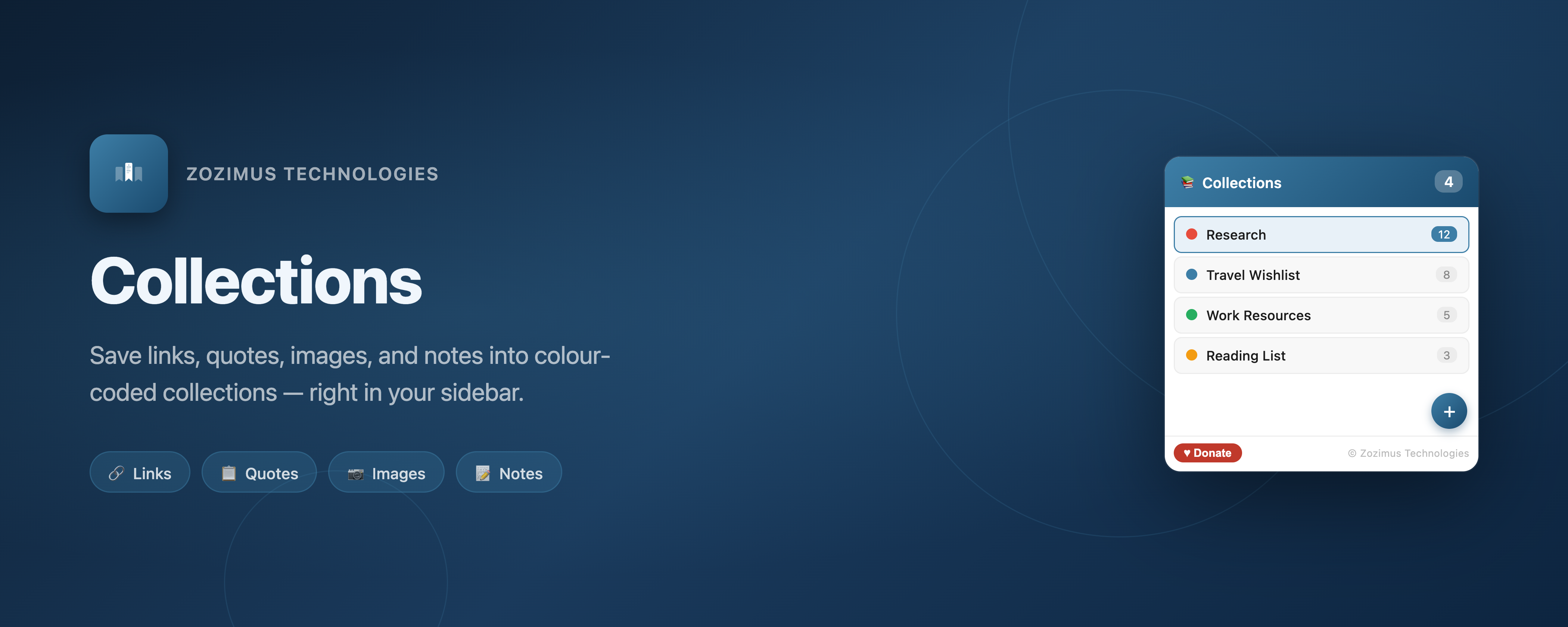
Save any type of web content into named, colour-coded collections. All stored locally, no account needed.
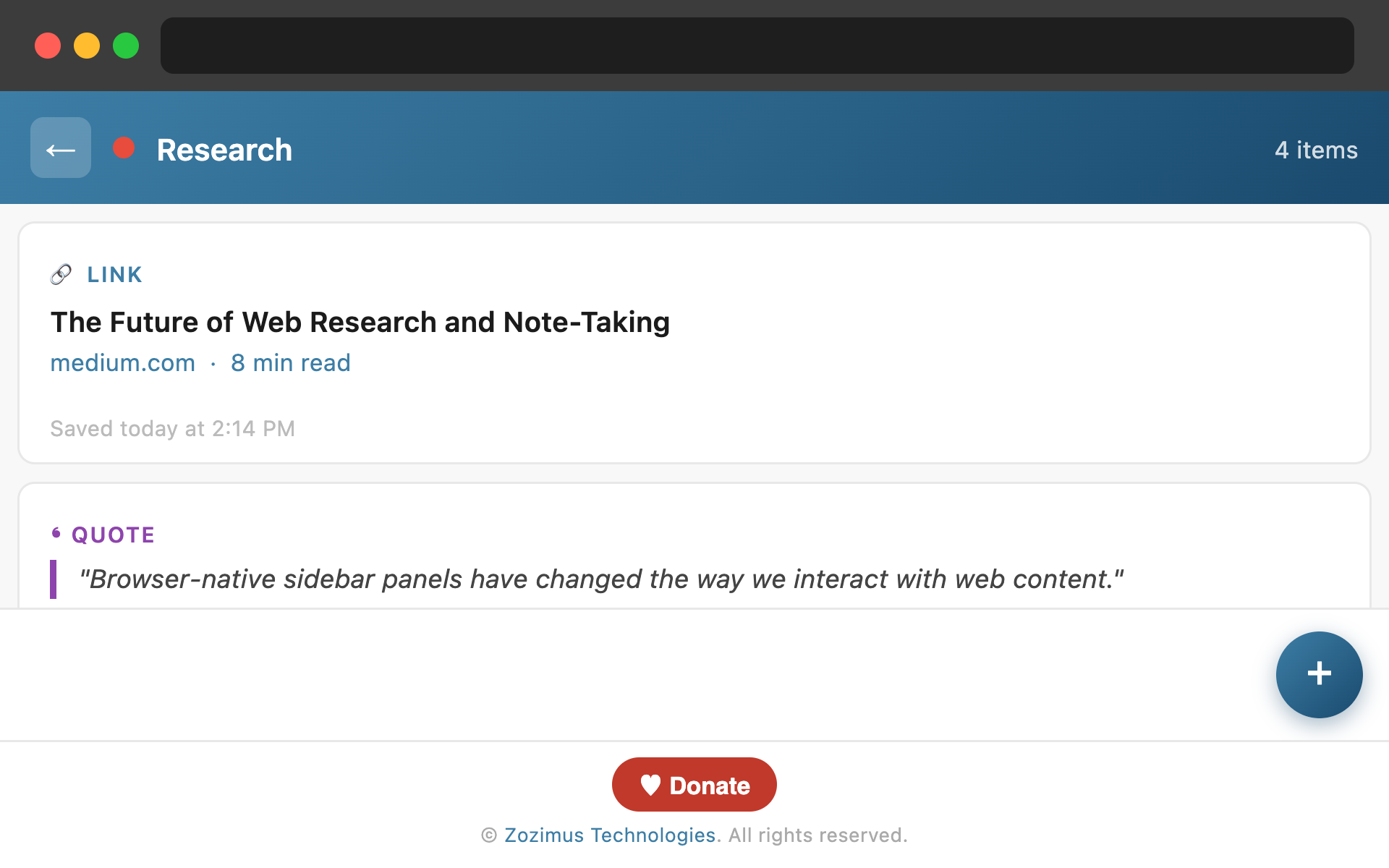
One click saves the current page's URL, title, and favicon into any collection. Or right-click any link to add it directly.
Highlight text on any page and use the interactive selection mode to save the exact quote with context into your collection.
Right-click any image on a page to add it, or paste a direct image URL. The extension previews the image inside the card.
Add freeform text notes to any collection — great for ideas, summaries, or reminders attached to your research.
Create as many collections as you need. Each has a custom colour for quick visual identification in your sidebar.
Right-click anywhere — on a page, a link, or an image — to send content directly to any collection without interrupting your flow.
100% local storage. Nothing ever leaves your browser.
All collections are stored in your browser using the local storage API. No servers, no cloud, no sync.
Zero analytics, zero cookies, zero data collection. We have no idea who you are and we like it that way.
Everything runs inside the extension. No CDNs, no remote code, no third-party requests.
Get it from the Edge Add-ons store and pin it to your toolbar.
Click the Collections icon in your toolbar. The panel opens in the browser sidebar, always within reach.
Tap the + button, name your collection, pick a colour, and you’re ready to start collecting.
Right-click links, images, or selected text — or use the in-panel FAB menu to add the current page, a quote, image, or note.