Image Editor
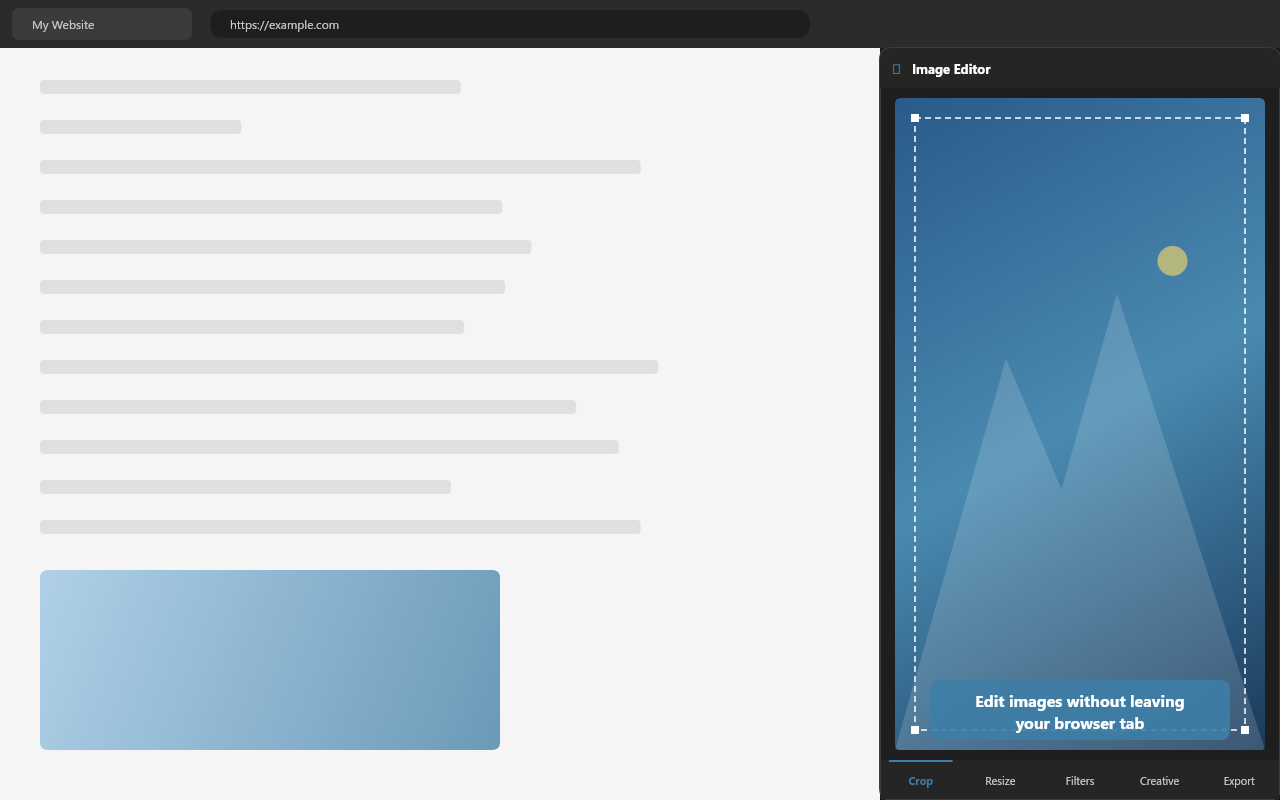
A lightweight, privacy-first image editor that lives in your browser's side panel. Crop, resize, apply filters, and export — without leaving your current tab.
A lightweight, privacy-first image editor that lives in your browser's side panel. Crop, resize, apply filters, and export — without leaving your current tab.
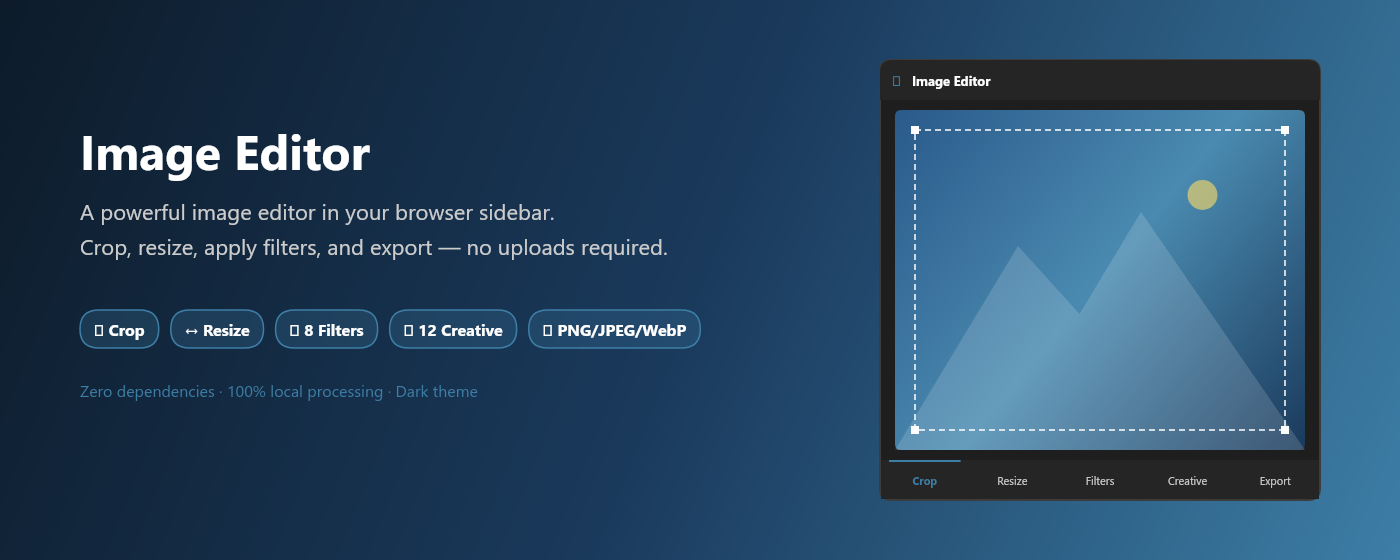
A full image editing toolkit in a compact sidebar — zero dependencies, zero uploads.
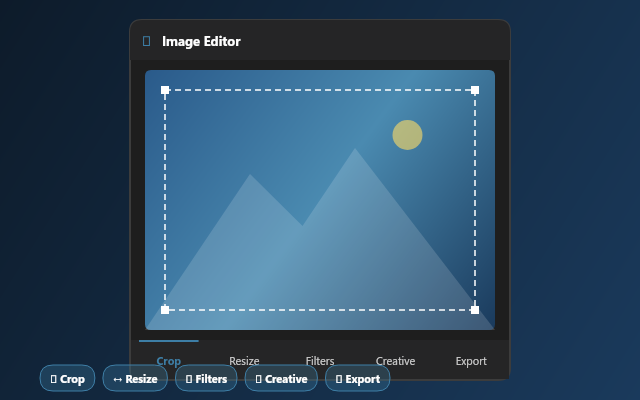
Interactive drag handles with 5 preset aspect ratios (Free, 1:1, 4:3, 16:9, 3:2) and manual pixel coordinate input for precision work.
Scale by width, height, or percentage presets (25%–200%). Lock aspect ratio to prevent distortion. See dimensions side-by-side.
Brightness, contrast, saturation, blur, grayscale, sepia, hue rotation, and opacity sliders. Plus one-click presets: Vivid, Warm, Cool, B&W, and more.
Unique pixel-manipulation filters like Memory Drift, Signal Corruption, Time Slice, and Genetic Mutation — with AI-powered recommendations.
Save as PNG, JPEG, or WebP with adjustable quality. One-click download with auto-generated filenames.
Scans the active tab and displays a thumbnail gallery of every image on the page. Click any image to edit it instantly.
Go beyond basic edits with pixel-level creative effects. Each includes an intensity slider.
Nostalgic blur with warm color drift
Chaotic pixel displacement
Day-to-night gradient
Barrel distortion / fish-eye
Warm glow with bloom
Cool desaturation with blue shift
Edge-detected red amplification
Sine-wave + chromatic aberration
Posterized / real / sketch split
Inverted sharpness vignette
VHS-style glitch with scanlines
Organic rust and aging patterns
100% local processing. Nothing leaves your browser.
All image processing happens locally on your device using the Canvas 2D API.
Zero analytics, zero cookies, zero data collection. We don't know who you are.
Everything runs inside the extension. No CDNs, no remote code, no dependencies.
Every line of code is on GitHub. Audit it yourself — we have nothing to hide.
Get it from the Edge Add-ons store or load it unpacked from edge://extensions.
Click the Image Editor icon in your toolbar. The editor opens in the browser sidebar.
Browse files, drag-and-drop, paste from clipboard, or click any image detected on the current page.
Crop, resize, apply filters or creative effects, then download as PNG, JPEG, or WebP.